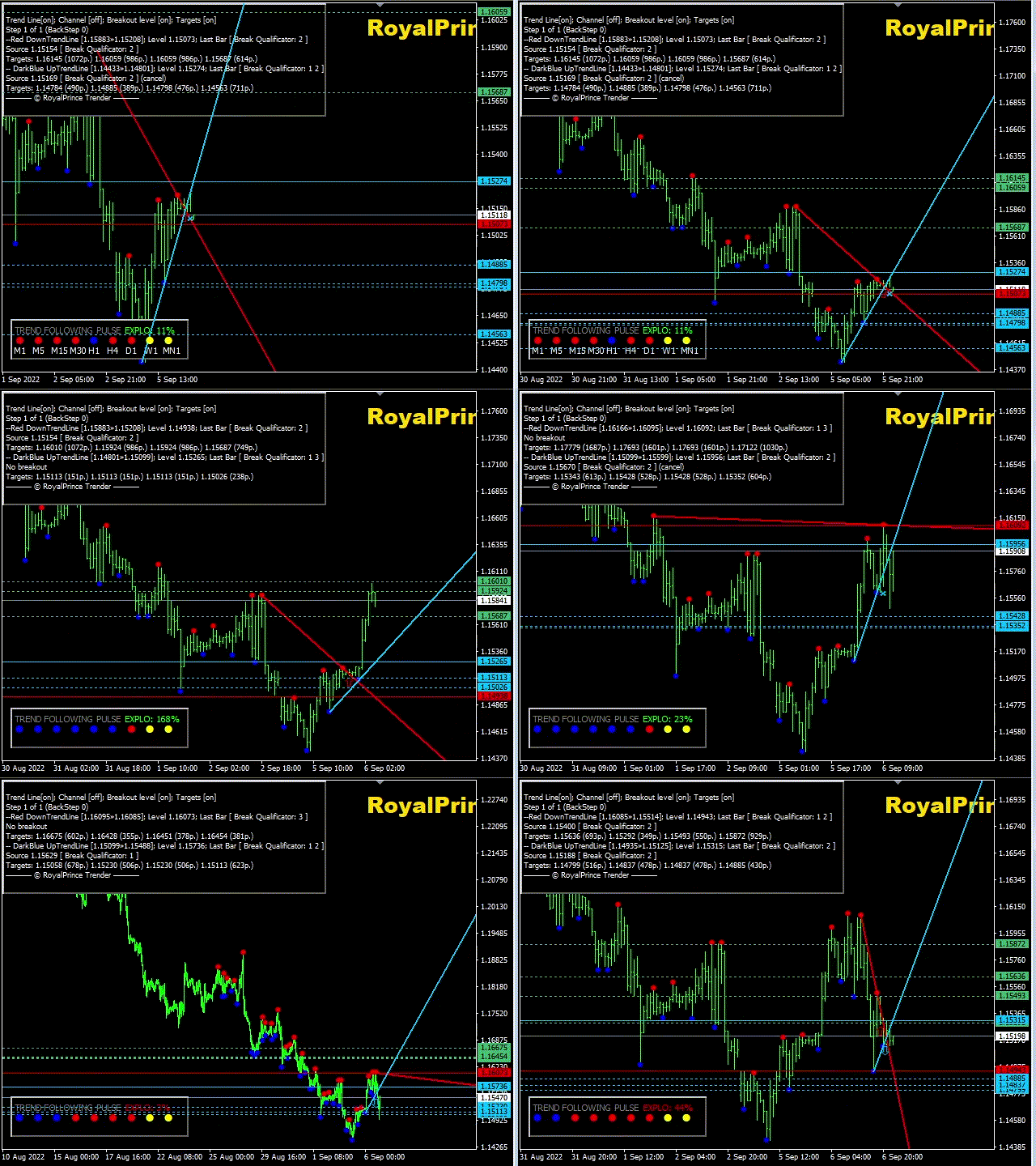
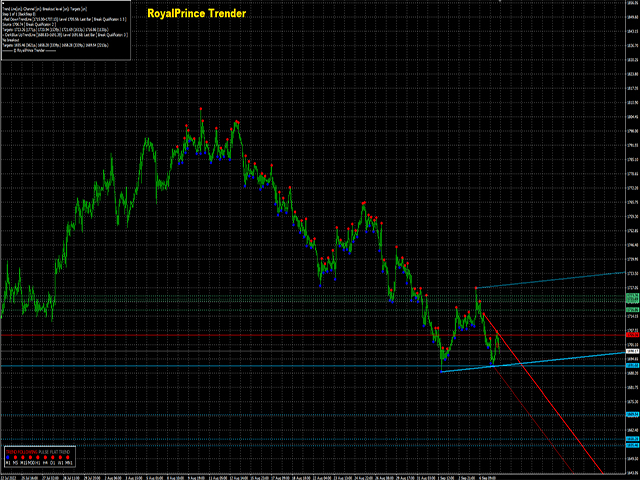
Trender is a special TrendLine Indicator because it is combined with a NON-REPAINT Signal
Settings:
- showBars = if showBars= 0 so the indicator will be shown for all the chart
- PointLevel = Point Levels; 2 = central bar will be higher (lower) then 2 bars on the left side and 2 bars on the right one.
- qSteps = number of steps/ no more than 3
- BackStep = number of steps back
- startBar= if startBar=0 so we have recommendation for the current bar, if 1 - for possible next bar
- TrendLine= True = Trendlines / false = no trend lines
- Horizontal Line = true = Shows break level lines
- Channel Line = true = channels which is parallel with trend lines / False = Off
- TakeLines = true = Will show expected take profit lines in both directions so if Trend is Bullish look for the Bullish Profit if Trend is Bearish look for the Bearish Profit Lines
- TrendLine Options = Show Uptrend Only, Show Downtrend Only, or Show both Trend lines
Works on all pairs and all TimeFrame
Bottom of Screen you will have a Trend Indicator that will show you what is happening on all Timeframe for that pair it will make it easier so you don't have to switch Timeframes